
Movies2Watch is a streaming website that has attracted users looking for movies and TV shows online. While streaming is convenient, you may sometimes want to save a video for offline viewing, especially when dealing with an unstable internet connection or when you want to watch content later.
Depending on how a video is delivered, downloading it directly may not always be straightforward. In this guide, we’ll explain what Movies2Watch is, discuss its safety considerations, and introduce several methods for saving videos from the site.
1. What Is Movies2Watch?
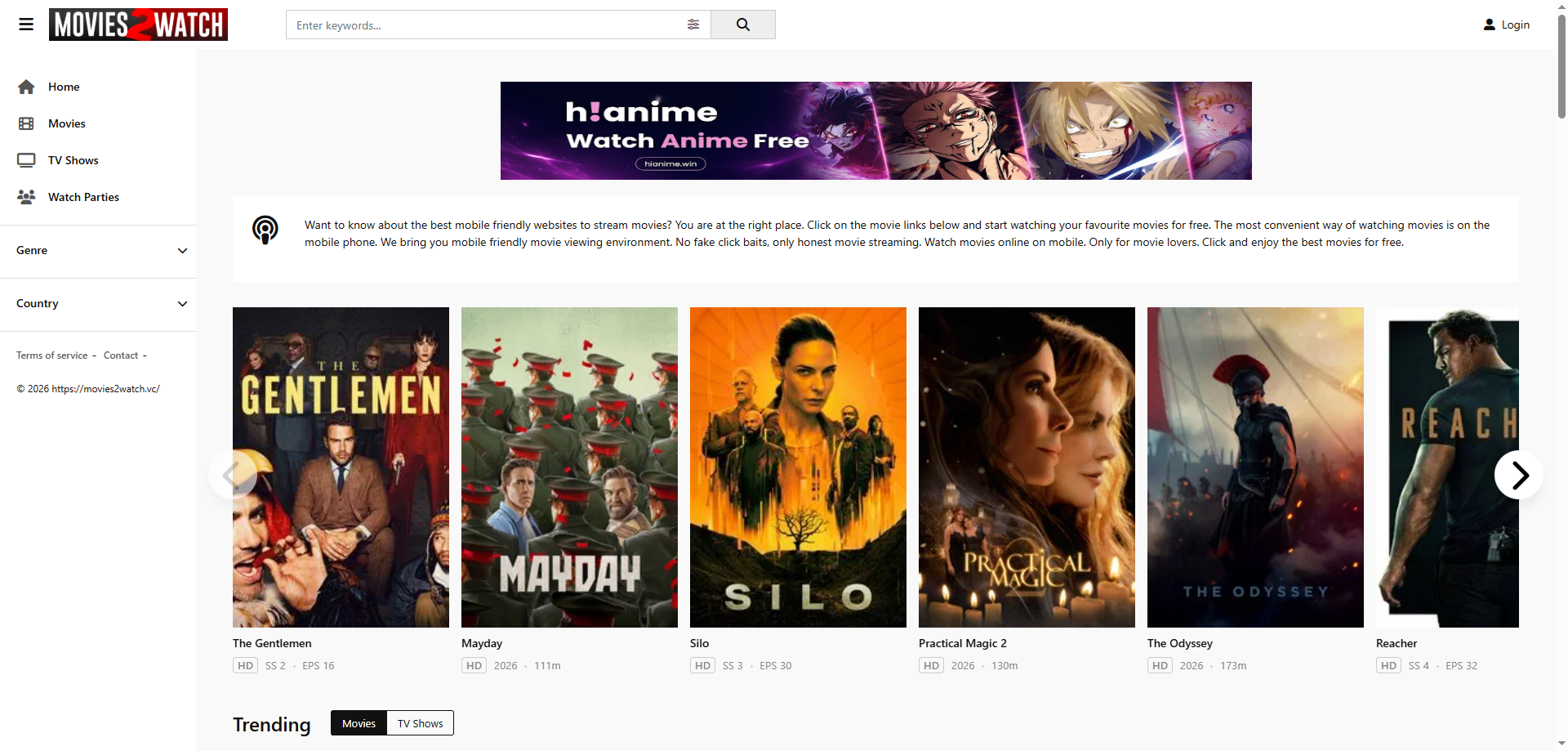
Movies2Watch is a movie-streaming website that provides access to a catalog of movies and TV content through a web browser. Like many unofficial streaming platforms, its availability and domain names may change over time.
Available domains include:
- Movies2Watch.vc
- Movies2Watch.pics
- Movies2Watch.cc
- Movies2Watch.tv
- Movies2Watch.to
2. Is Movies2Watch Safe?
Movies2Watch’s safety can vary depending on the specific domain and third-party content it serves. Users should be cautious of pop-ups, redirects, fake download buttons, and requests to install unknown software or provide personal information. Keep your browser and security software updated, and avoid downloading anything from untrusted sources.
3. How to Download from Movies2Watch?
There are several approaches you can try depending on how the video is delivered and how many videos you need to save.
Method 1: Record Movies2Watch Videos
If conventional downloading isn’t available, screen recording can provide a straightforward alternative for content you are authorized to record.
- Open Movies2Watch in your browser.
- Find the movie or video you want to record.
- Open a trusted screen-recording application like Swyshare Recordit 。
- Select the browser window or display area containing the video.
- Start recording and play the authorized video.
- When playback is finished, stop the recording.
- Save the resulting video file to your preferred folder.
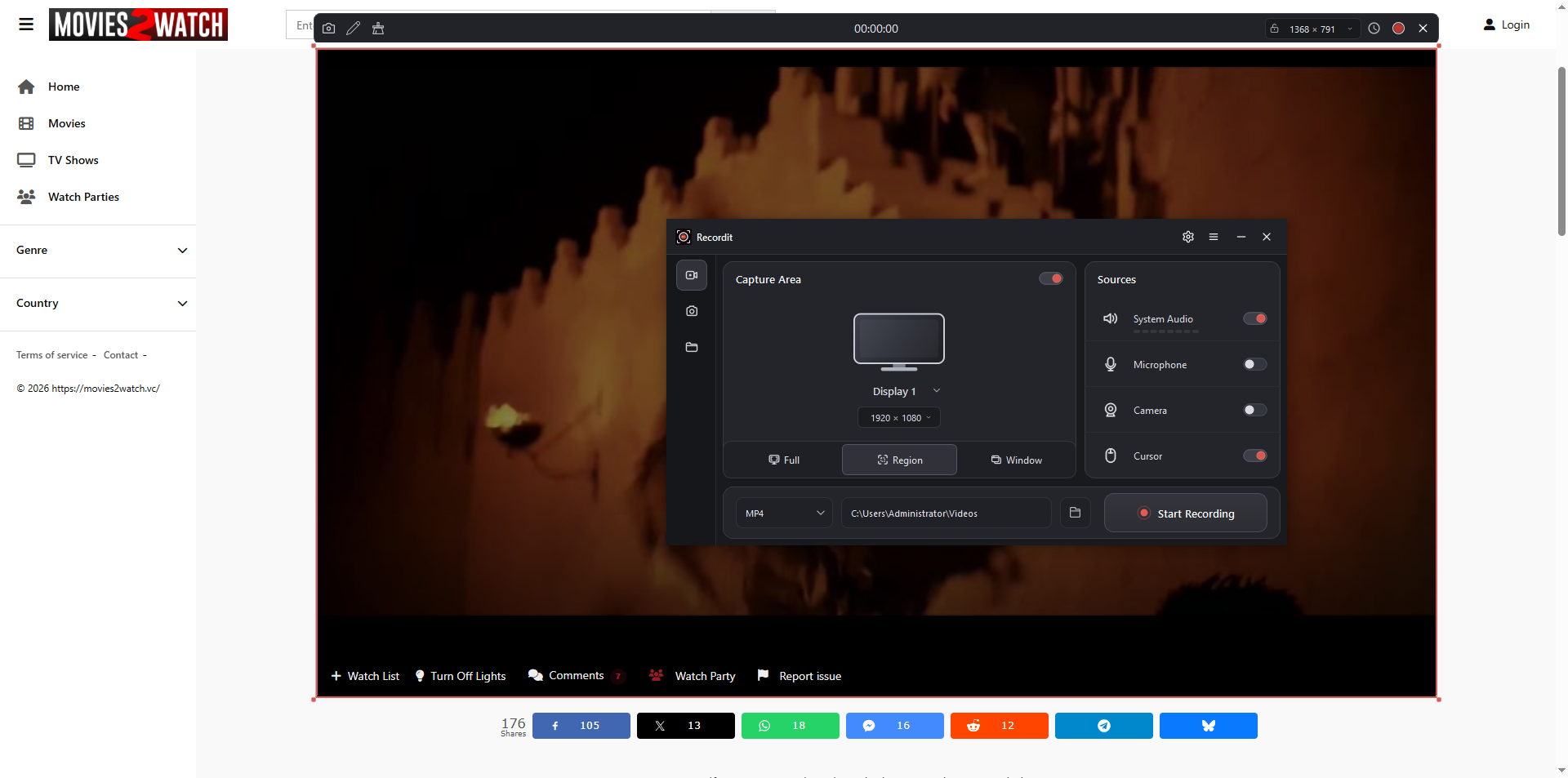
Screen recording is easy to understand because it captures whatever is displayed on your screen. However, it can be time-consuming for long movies, and the resulting quality may depend on your display, recording settings, and computer performance. Audio configuration can also require additional setup.
Method 2: Use Video Downloader Extensions
Another option is a browser extension designed to detect downloadable media on webpages. After installing a reputable extension, open Movies2Watch and play the video. If the extension supports the site’s video delivery method, it may display detected media or available download options.
步骤:
- Install a trusted video-downloader extension from your browser’s official extension store like Video DownloadHelper.
- Open the Movies2Watch video page, play the video for a few seconds so the extension can detect available media.
- Click the extension icon in your browser to detect video streams.
- Review and select an appropriate quality or format when available.
- Start the download.
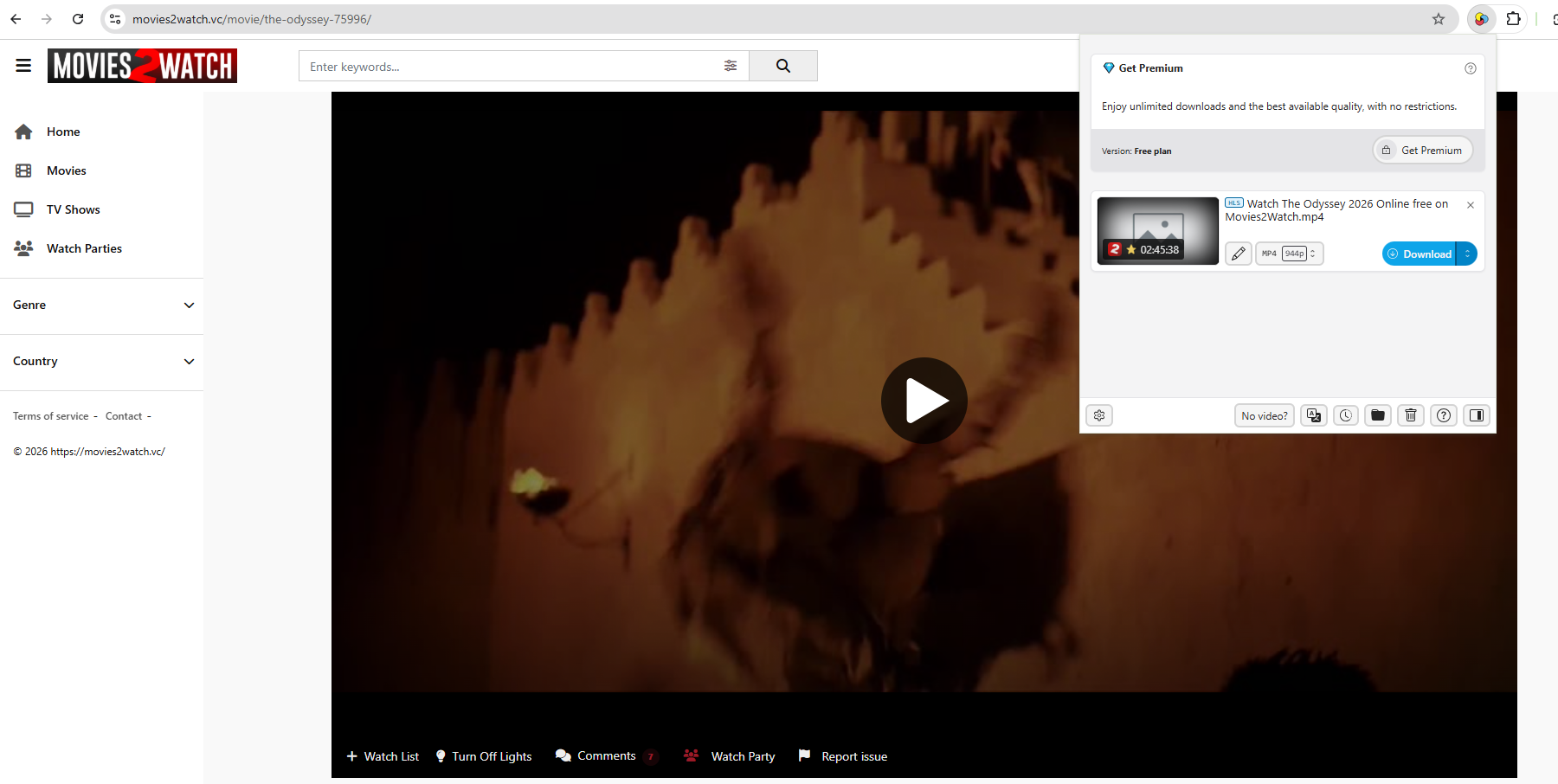
Extensions are convenient because they work directly inside the browser and usually require little configuration. However, compatibility can vary considerably. Some streaming players use segmented delivery, embedded third-party players, or other technologies that prevent an extension from obtaining a simple video file.
Method 3: Advanced Bulk Download with Meget
If you need to download multiple authorized videos, a dedicated desktop application can be more convenient than recording each movie individually or relying on browser extensions.
非常 is a video downloader and converter designed for downloading online videos from a wide range of supported websites. It can be useful when you need more control over video quality, output formats, and multiple downloads.
Key features of Meget include:
- Support for downloading videos and playlists from numerous websites
- High-quality downloads, including resolutions up to 8K when available
- Video and audio conversion to formats such as MP4 and MP3
- Options for downloading video with audio or extracting audio separately
- Support for selecting available quality, format, subtitles, and output location
- Batch downloading for handling multiple URLs
- Built-in media search and download capabilities
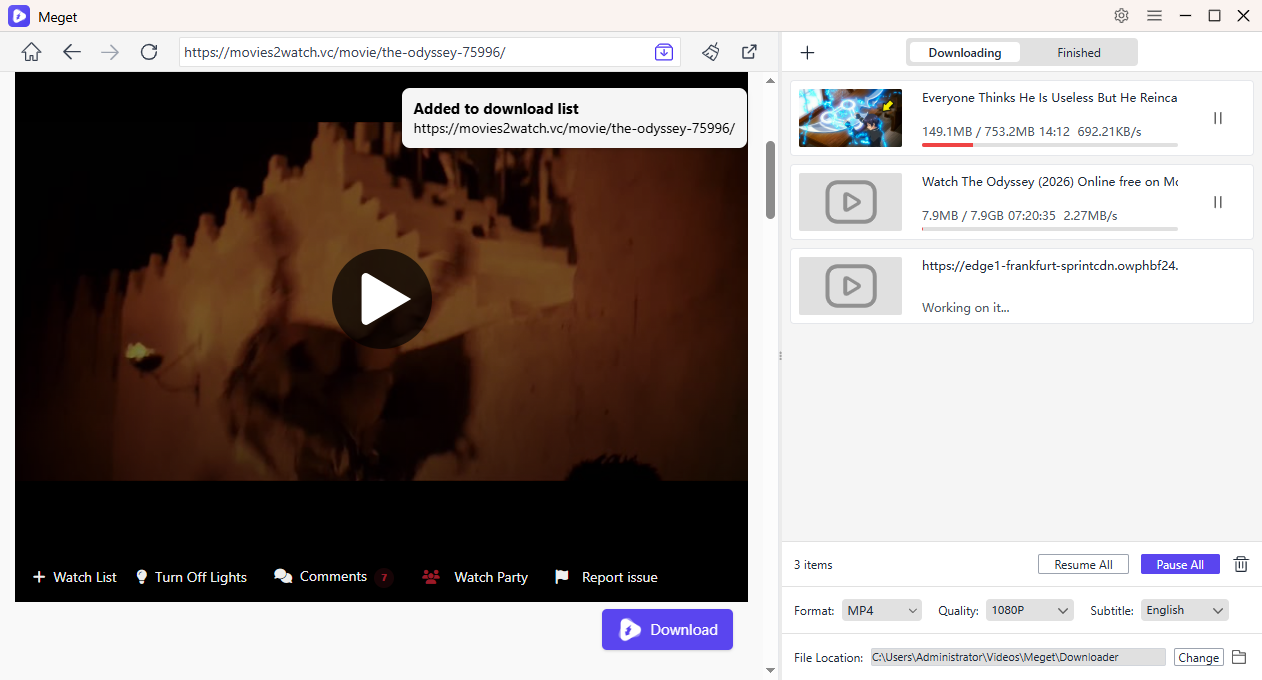
How to use Meget to download from Movies2Watch:
- Install Meget on your Windows or Mac computer.
- Open Movies2Watch video page that contains the movie you want to download inside Meget, the play it to start detecting.
- Choose the available video quality, format, subtitles, and output folder.
- Start the download and repeat the process for more Movies2Watch movies, then monitor the progress within Meget.
- Find the completed files in your selected destination folder when finished.
4. 结论
There are several ways to save videos from Movies2Watch when you have permission to do so. Screen recording is a simple option when direct downloading isn’t available, while video downloader extensions can provide a convenient browser-based workflow when the site’s media is compatible. For users who need a more comprehensive solution for multiple videos, Meget offers a desktop workflow with batch downloading, quality selection, format conversion, and other useful controls.
If you regularly download authorized online videos and want more flexibility than basic browser tools can provide, 非常 is worth considering as an advanced video downloader for managing multiple downloads efficiently.